
Crorebet Casino App: Get It on Android or iPhone in a Minute
Most pages about the Crore Bet casino app either bury the link under five adverts or quote specifications nobody checked. This one does the opposite: the link is at the top, and everything below it answers the questions people actually have — what your phone needs, what the install looks like, which permissions matter, and how to fix the handful of things that occasionally go wrong.
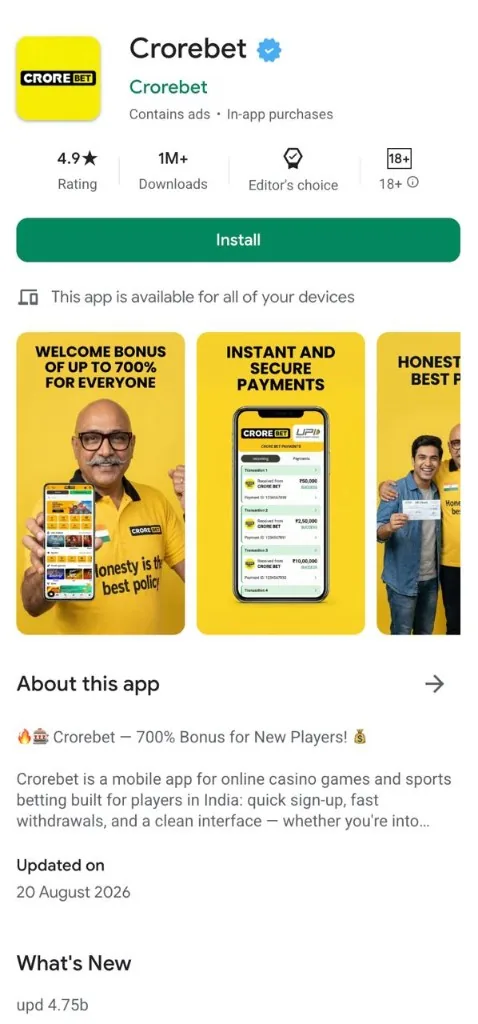
What the Crorebet app is
Strip away the marketing and the app is a mobile client for an account that lives on Crorebet’s servers. Nothing important is stored only on your phone: your balance, your history and your settings follow the account, not the device. That single fact answers a surprising number of questions — you can sign in from a second phone, switch between the app and the website mid-session, and reinstall without losing anything.
People searching for the app usually want five specific things answered, so here they are up front:
- Is there a real app? Yes, for Android, delivered as a downloadable package rather than through the Play Store.
- Will it run on my phone? Almost certainly. Android 6.0 and newer covers effectively every handset sold in India in recent years.
- How long does setup take? About a minute on Android, less on iPhone.
- Do I need a new account? No. One login covers the app, the mobile site and the desktop site.
- Does it cost anything? No. Installing and browsing are free.
The name itself borrows “crore” — the Indian numbering unit for ten million, as in ₹1 crore — combined with “bet”. You will see it written as one word (“Crorebet”) and as two (“Crore Bet”); both spellings refer to the same brand, which we unpack in the guide to the Crore Bet spelling variation.
Ways to get it on your phone
There are four routes onto a phone in general, and here is how each one applies to Crorebet:
| Route | Available? | What it means for you |
|---|---|---|
| Android app (downloaded package) | Yes — the main route | You download the Android package from the official mobile page and allow the install once. This is how casino apps reach Android phones in India. |
| iPhone (mobile site on the home screen) | Yes | Safari opens the mobile site; 'Add to Home Screen' gives you an icon that launches full screen, without the browser bars. |
| Mobile browser, any phone | Yes | Nothing to install. Handy on a borrowed phone, on a work device, or if you simply prefer not to install anything. |
| Google Play listing | Not used for this category | Google Play does not carry real-money casino apps in India, so operators publish their Android app directly instead. It is the norm for the whole category, not a quirk of this brand. |
In practice that means the Android app arrives as a downloaded package, and the useful question is simply where you start the download. Starting from the button on this page keeps that simple. The step-by-step install, including the permission prompt Android shows the first time, is in the Crorebet APK guide. If you are curious about why store distribution works the way it does for this category in India, we keep a dated, source-backed summary on the online gaming law page.
App, APK or mobile site?
These three words get used interchangeably online, which causes real confusion. They are distinct things:
There is no wrong choice here. The installed app is faster to reopen, keeps you logged in, and can notify you when something you follow starts; the browser needs no install at all and suits a shared or temporary device. Most people on Android install the app and keep the browser as a backup. The full side-by-side is in mobile app vs browser access, and iPhone specifics are in iOS mobile access.
Making sure you have the real app
Any well-known brand attracts copycat pages, and the ones in this category are easy to spot once you know the pattern: a domain stuffed with keywords, a countdown timer, a download that redirects three times, and instructions telling you to switch your phone’s protections off. You can sidestep all of it by starting from the official mobile page — the link at the top of this page goes there directly.
If you ever arrive at the app from somewhere else, check these:
- The page is the operator’s own. One clean domain, a working support contact, and pages that exist for reasons other than serving a file.
- The download is direct. One tap, one file. Chains of redirects and a “downloader app” offered first are the signature of a copy.
- Play Protect stays on. Android scans the package during installation. Anything that asks you to turn that off is not worth installing — see how Google Play Protect works.
- The package name matches on updates. Android will only install an update over an app when it comes from the same publisher, which is a useful built-in check. Details in how to check an APK file.
- No urgency theatre. Countdown clocks, fake queue positions and “last chance” banners belong to copycats, not to the app itself.
Getting around the app
If you have used the website, the app will feel familiar — the same sections, reorganised for a thumb. A few terms come up constantly, so it helps to know what each one refers to:
| Term | What it is | Worth knowing |
|---|---|---|
| Wallet / balance | Your account balance, shown in ₹ at the top of most screens. | It is the same balance as the website — deposits made on one show up on the other immediately. |
| KYC verification | The identity step (PAN or a similar document) before withdrawals. | Doing it early saves time later; the camera permission is only needed at this step. |
| Live casino / crash | Real-time tables and multiplier games such as Aviator and JetX. | The busiest screens for data and battery — Wi-Fi is a good idea for long sessions. |
| Promotions | Current offers with their terms attached. | Read the terms in the app itself rather than on any third-party page quoting them. |
| Session | Your signed-in state, which the app keeps for you. | Convenient on your own phone; log out explicitly on a shared one. |
Whatever you use to sign in, the habits in mobile account security — a unique password, two-factor authentication, logging out of devices you no longer use — do more for your account than any single setting inside the app.
Keeping your account safe
It is easiest to think about this in three layers, because each one has a different, quick answer:
- The file. Start the download from the official mobile page and leave Play Protect enabled; Android checks the package as it installs. The mechanics of how packages are signed and verified are in the APK security guide.
- The phone. What an app can reach is governed by Android permissions, which you approve individually and can change at any time in Settings. The next section lists what this kind of app actually needs.
- The account. This is where your attention pays off most: a password used nowhere else, two-factor authentication switched on, and a screen lock on the phone itself.
None of this takes long, and it is the same short list you would apply to a banking app or an email account. Set it up once and you can stop thinking about it.
Permissions the app asks for
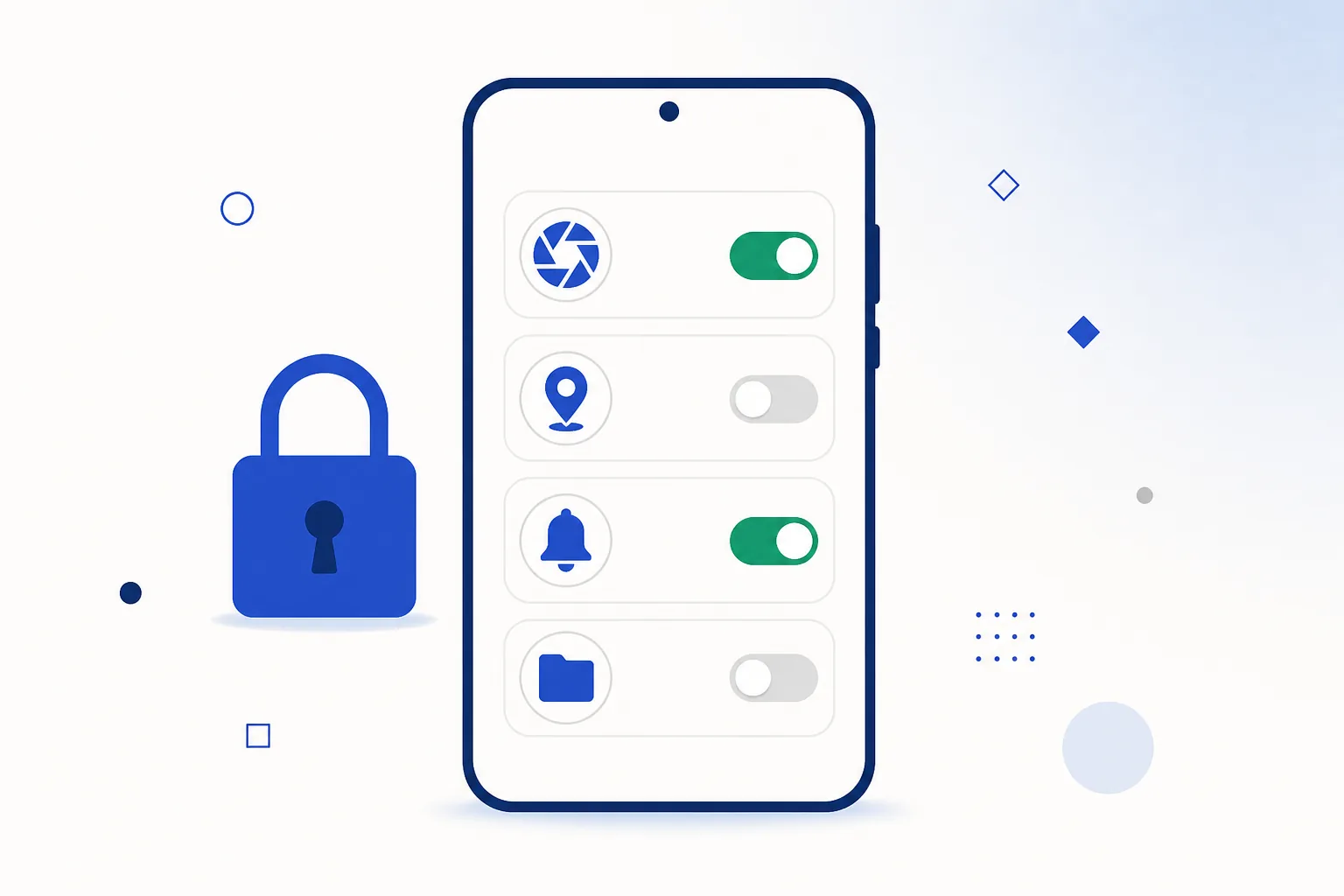
Android grants permissions one at a time and shows you exactly what is being requested. For an app in this category, here is what is normal and what is not:
| Permission | Why it is used | Verdict |
|---|---|---|
| Internet / network state | Everything in the app is live data. | Expected — granted automatically |
| Notifications | Event alerts and account messages. | Optional. Decline it and the app still works; Android 13 and newer asks before the first notification. |
| Storage (scoped) | Caching images and saving statements. | Normal in its limited, modern form |
| Camera | Photographing your document at the KYC step. | Expected at KYC only — not at first launch |
| SMS access | Sometimes requested for OTP auto-fill. | Not needed — current OTP auto-fill works without it, so decline |
| Contacts / call log | No use in this category. | Decline |
| Accessibility services | No use in this category. | Decline — this one grants broad control of the screen |
Every grant is reversible: Settings → Apps → [app] → Permissions, or the system-wide Permission manager. The complete reference, including how the groups changed across Android versions, is in Android app permissions explained.
Mobile data use
Live screens refresh constantly, which makes them the heaviest part of any app like this. On a limited pack, three habits keep usage comfortable:
- Download the app itself over Wi-Fi, and prefer Wi-Fi for long live sessions or anything with video.
- Use Android’s per-app data controls (Settings → Network & internet → Data usage) to watch consumption and set a warning level.
- Turn on Data Saver, which trims background data for apps you are not actively using.
One practical advantage of the installed app: it caches its interface, so it re-downloads less than a browser session does on every visit. That difference and the others are laid out in app vs browser access.
How updates work
Because the Android app does not come from Google Play, updates arrive a little differently — and it is genuinely simple:
- The app tells you. When a newer build is available you get a prompt, usually at launch, and the update downloads from the same official source.
- Installing over the top keeps everything. Your login, history and balance are on the account, so an update never resets them. Android checks that the new file comes from the same publisher before it replaces the old one.
- Staying current is worth it. Newer builds keep up with Android’s own changes, which is what prevents the occasional odd behaviour after a system update.
Version codes, what happens to your data during an update, and why Android refuses downgrades are covered in the app update guide.
If something goes wrong
Problems cluster into four groups, and each has a short fix:
- The install does not finish — usually a partial download, not enough free storage, or an older copy still on the phone. Walkthroughs in Android installation errors and the APK troubleshooting knowledge base.
- Slow loading or a blank screen — clearing the app’s cache fixes most of these in seconds, without touching your login.
- Login or OTP trouble — check the number on the account, network signal, and whether an SMS filter has caught the code.
- Odd behaviour after an Android update — install the current build of the app; older builds were written against older system rules.
Step-by-step fixes for each are in Crorebet app troubleshooting.
Ready to set it up? It takes about a minute.Open the Crorebet app
Frequently asked questions
Is there a Crorebet app for Android?
Yes. It installs from a package you download from the official Crorebet mobile page — the same way casino apps reach Android phones in India — and the whole process takes about a minute. The APK guide shows each screen and the exact buttons to tap.
Is there a Crorebet app for iPhone?
Yes, through the mobile site. Open it in Safari and use Share → Add to Home Screen; you get an icon that launches full screen with no browser bars, and no App Store step. Details in iOS mobile access.
Why isn’t it on Google Play in India?
Google Play does not distribute real-money casino apps in India, so every operator in the category publishes its Android app directly instead. That is why the install uses a downloaded package, and it applies to the whole category rather than to this brand in particular.
How do I know the app I install is the genuine one?
Start from the official mobile page — the button on this page opens it — and leave Play Protect enabled so Android scans the package as it installs. If you want to check a file yourself, the package name and signature checks are in how to check an APK file.
Do I need a separate account for the app?
No. The app, the mobile site and the desktop site share one account and one balance, so you can sign in with details you already have and pick up where you left off.
Where does the app link on this page go?
To the official Crorebet mobile page for India, which is the one link worth using — it detects your device and offers the Android package or the iPhone version accordingly. More about how this site works is on about this site.
Related guides
Sources & references
- Google Play Help — install unknown apps & Play Protect documentation — accessed August 2026
- Android Developers — application signing overview — accessed August 2026
- The Promotion and Regulation of Online Gaming Act, 2025 (India Code) — accessed August 2026
- Apple — App Store distribution and review documentation — accessed August 2026
Technical explanations on this page follow Android and Apple's own documentation. Setup details reflect the current Crorebet mobile pages for India.