
Crorebet App Troubleshooting
This guide covers the app once it is installed — loading, login, crashes, update prompts. Almost every one of these has a two-minute fix, and the small number that don't come down to one thing: the copy on your phone is out of date, and a current one from the official mobile page sorts it. Install failures have their own guide.
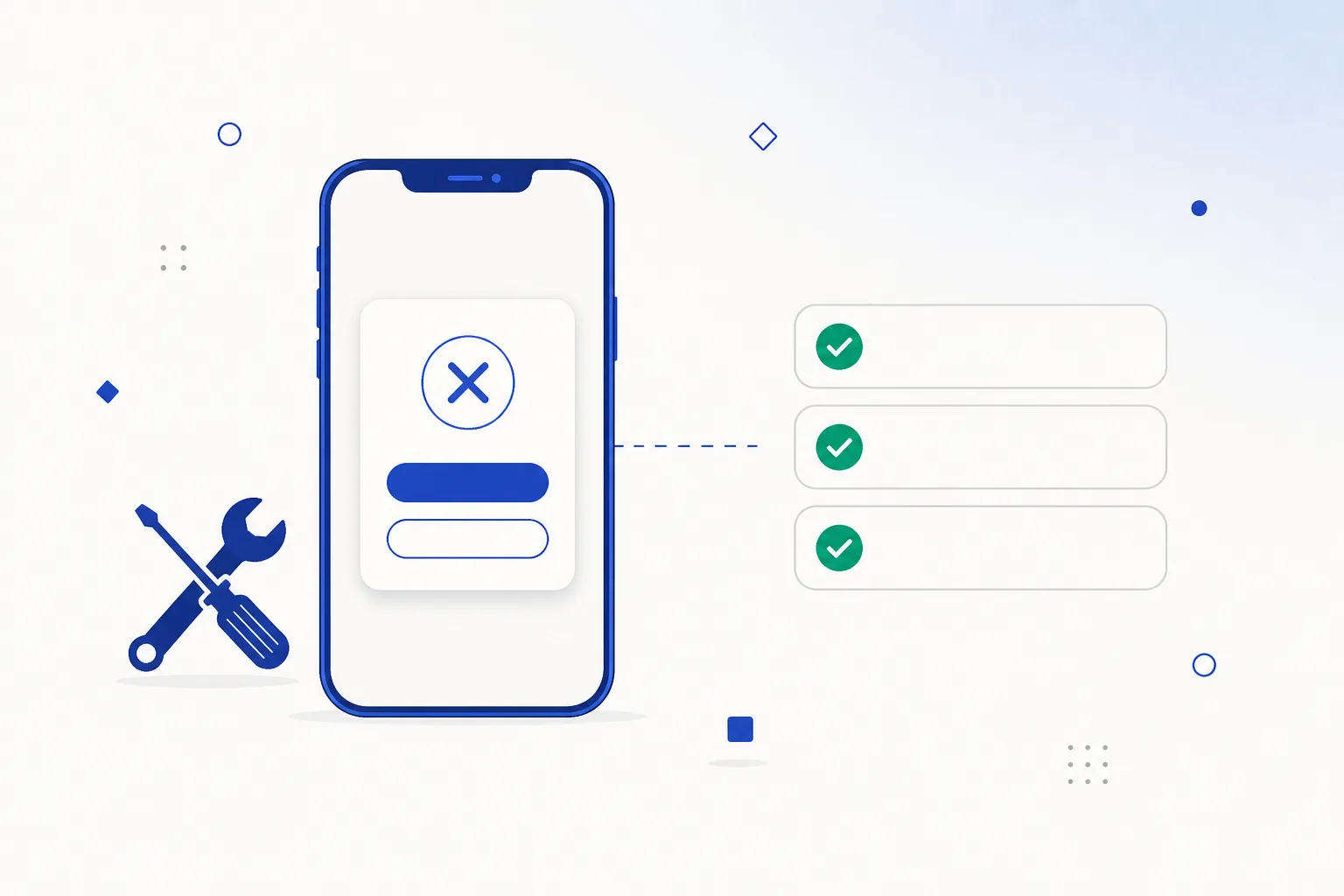
Two-minute triage
- Check the connection
Do other apps load? Switch between Wi-Fi and mobile data and try again — office, campus and public Wi-Fi networks often filter traffic in ways your mobile data does not, and that single switch resolves a surprising share of “the app is down” reports.
- Force stop
Settings → Apps → [app] → Force stop. Clears a stuck process and costs you nothing but a re-open.
- Clear cache (not storage)
Settings → Apps → [app] → Storage & cache → Clear cache. This fixes corrupted temporary files behind blank screens and broken layouts, and it leaves your login alone.
- Restart the phone
Clears system-level states no app setting reaches.
- Install the current build
Older builds eventually fall behind what the service expects. Installing the current package over the top keeps your data — the mechanics are in the update guide.
Loading failures & blank screens
| Problem | Likely cause | What to check |
|---|---|---|
| Endless spinner on launch | The app cannot reach the server: your connection, a temporary outage, or an old build calling an endpoint that has moved. | Whether the mobile site loads in a browser on the same phone; then try the other connection type (Wi-Fi ↔ mobile data). |
| Blank or white screen | Corrupted cache, or an outdated Android System WebView on the phone. | Clear the cache; update Android System WebView in the Play Store; restart the phone. |
| Images or sections missing | Partial cache corruption, or Data Saver throttling the app. | Clear the cache; check Data Saver settings for the app; retry on Wi-Fi. |
| Works on Wi-Fi but not mobile data (or the reverse) | Networks handle traffic differently, and some Wi-Fi networks filter more than others. | Use the connection that works, or switch off any VPN or private-DNS setting and try again. |
For background on how online gaming is regulated in India, we keep a plain, dated overview at online gaming law in India.
Login and OTP problems
| Problem | Likely cause | What to check |
|---|---|---|
| Correct details rejected | A typo in the number or email, caps-lock on the password field, or a temporary server-side issue. | Whether the same login works on the mobile site in a browser. If it works there but not in the app, install the current build from the official mobile page and try again — and if you are unsure where your copy came from, see how to be sure you have the real app. |
| The code never arrives | SMS delivery lag, DND filtering, weak signal, or a different number on the account. | Signal strength; that the account holds the number you are checking; wait the full validity window before requesting another, since repeated requests push you back in the queue. |
| The code arrives but is rejected | It expired while in transit, or a newer request invalidated it. | Use only the most recent code, and set your phone's clock to automatic — time-based codes fail on a skewed clock. |
| Signed out repeatedly | Battery optimisation closing the app in the background, or the same account in use on another device. | Set battery optimisation for the app to unrestricted; sign out on the other device. |
Crashes and freezes
- Crash on launch after an Android update: the classic old-build-new-OS mismatch, explained in the APK knowledge base. Clear the cache first; install the current build second, which fixes it in nearly every case.
- Crash on one specific screen: usually an older client meeting a newer server response. The current build, or the mobile site in the meantime, gets you past it.
- Freezes on a busy live screen: live sections are the heaviest part of any app like this. Close background apps, or use the lighter browser session — the trade-offs are in app versus browser.
- Warm phone and heavy battery use: normal during a long live session, less so when the app is idle. Android’s per-app battery screen shows what is actually running, and restricting background activity settles it.
Update loops
An “update required” prompt that keeps coming back after you update means the package you installed is older than the version the service expects — the usual sign that the file came from a mirror holding a stale copy. Take the current package from the official mobile page and the loop ends. The version logic behind it is in the update guide, along with the one rule worth remembering: install over the top rather than uninstalling first, so your data stays put.
Stuck in an update prompt? Get the current package.Open the official mobile page
When to get a fresh copy
Some problems are not worth troubleshooting, because the copy on your phone is the problem. Reinstall from the official mobile page if:
- Your login works on the mobile site in a browser but never in the app.
- The app asks for permissions that have nothing to do with what you are doing.
- Play Protect flags it after an update.
- Its update prompt sends you to a different website each time instead of updating in place.
In each case the quickest route is the same: remove what you have using the removal steps, install the current build from the official mobile page, then sign in again. If you typed your password into something you are unsure about, change it while you are at it — account security in five minutes.
Reinstalling? Take the build straight from the source.Open Crorebet App
Frequently asked questions
Will clearing the cache log me out?
No — the cache is temporary data only. “Clear storage” is the one that resets the app completely, including your login, so use that one only as a last resort.
It worked yesterday and shows nothing today. What changed?
Usually nothing on your phone: a brief server-side outage, a network change, or a new minimum build. Opening the mobile site in a browser on the same phone separates “my device” from “their side” in seconds.
How do I contact Crorebet support?
Support lives inside the service itself — the help or contact section of the app and mobile site, where the team can see your account. The button on this page opens the official Crorebet mobile page for India, which is where to find it; more context in the app guide.
Related guides
Sources & references
- Android Help — fix an installed app that isn't working — accessed August 2026
- Google Play Help — Android System WebView — accessed August 2026