
Android APK Files Explained
Every Android app you have ever used arrived on your phone as a package file. Once you know what that package holds and what Android checks before accepting it, installing an app from a download stops feeling mysterious — it is the same mechanism the Play Store uses behind the scenes, minus the storefront.
The format, precisely
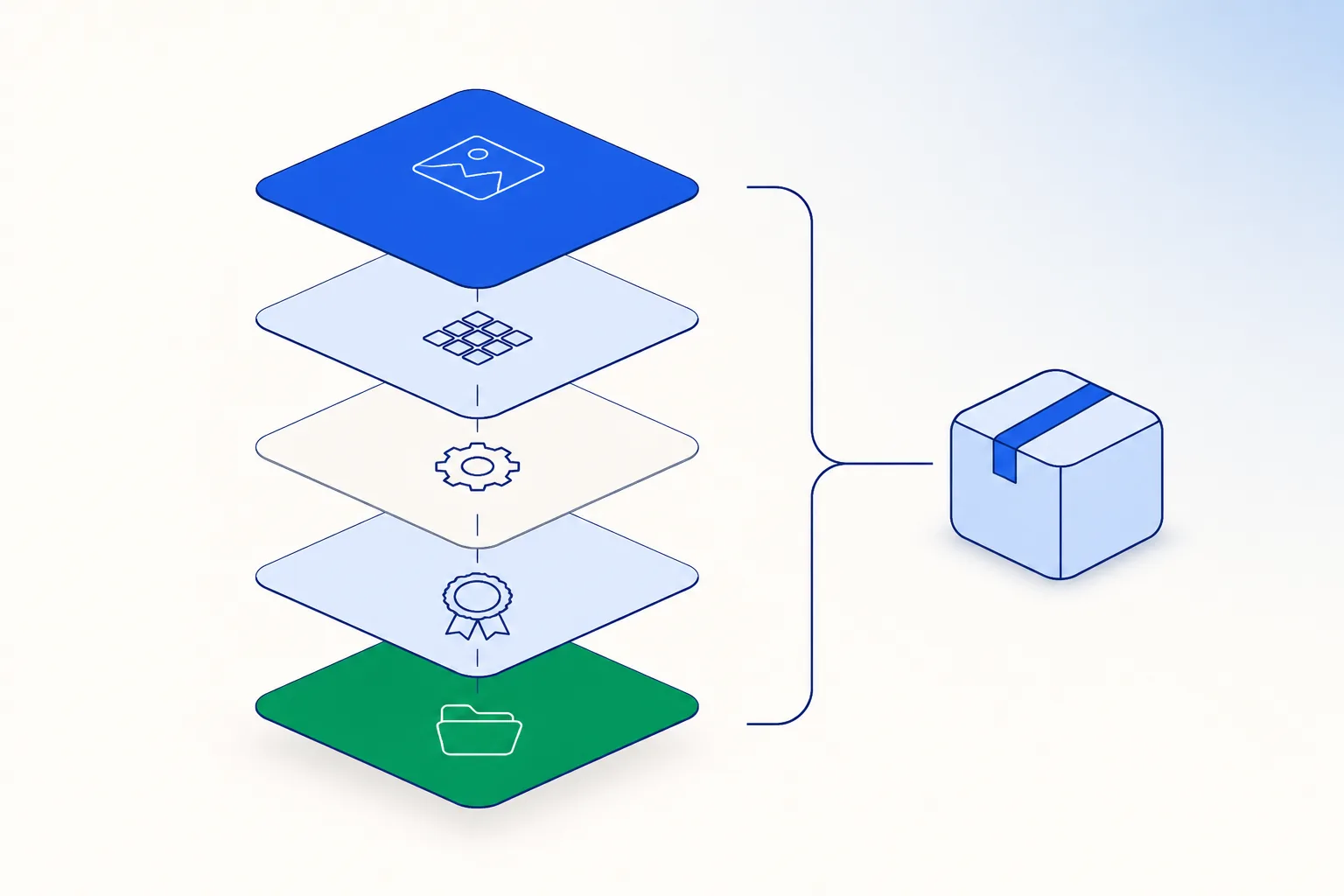
APK is not an exotic format. It follows the ZIP specification with a defined internal layout and a signature scheme on top. That has two practical consequences: anything that reads ZIP archives can list what is inside a package, and a package’s integrity comes from its signature rather than from secrecy — change one byte and the signature no longer matches.
So the two useful questions about any APK are simple: who signed it and is this the file that signer produced. Both are answerable in a couple of minutes, and how to check an APK file walks through the steps. The shortcut is to start the download from the operator’s own mobile page, which removes the middlemen from the equation entirely.
What’s inside an APK file
| Component | What it is | Why it is worth knowing |
|---|---|---|
| AndroidManifest.xml | The app's own declaration: package name, version code, minimum Android version, and every permission it can ask for. | You can read all of it before installing, which makes it the single most informative file in the package. |
| classes.dex | The app's compiled code, in Dalvik executable format. | Two builds can look identical on screen and differ here, which is why a package is identified by its signature rather than its appearance. |
| res/ and resources.arsc | Screen layouts, images and text. | Everything you actually see in the interface lives here, and it accounts for much of the download size. |
| lib/ | Native libraries for each processor type (arm64-v8a, armeabi-v7a, x86_64). | Decides which phones the package runs on; a missing architecture is one of the more common reasons an install stops. |
| META-INF/ + signing block | The publisher's signature covering the package contents. | Android uses it to confirm the file arrived intact and that later updates come from the same publisher. |
How installing from a download works
Android has always let you install an app from a file — an openness that sets it apart from iOS (see iOS mobile access for how iPhones handle the same need). It matters here because Google Play does not distribute real-money casino apps in India, so operators in that category hand out an Android package directly. The platform still runs its normal checks around it:
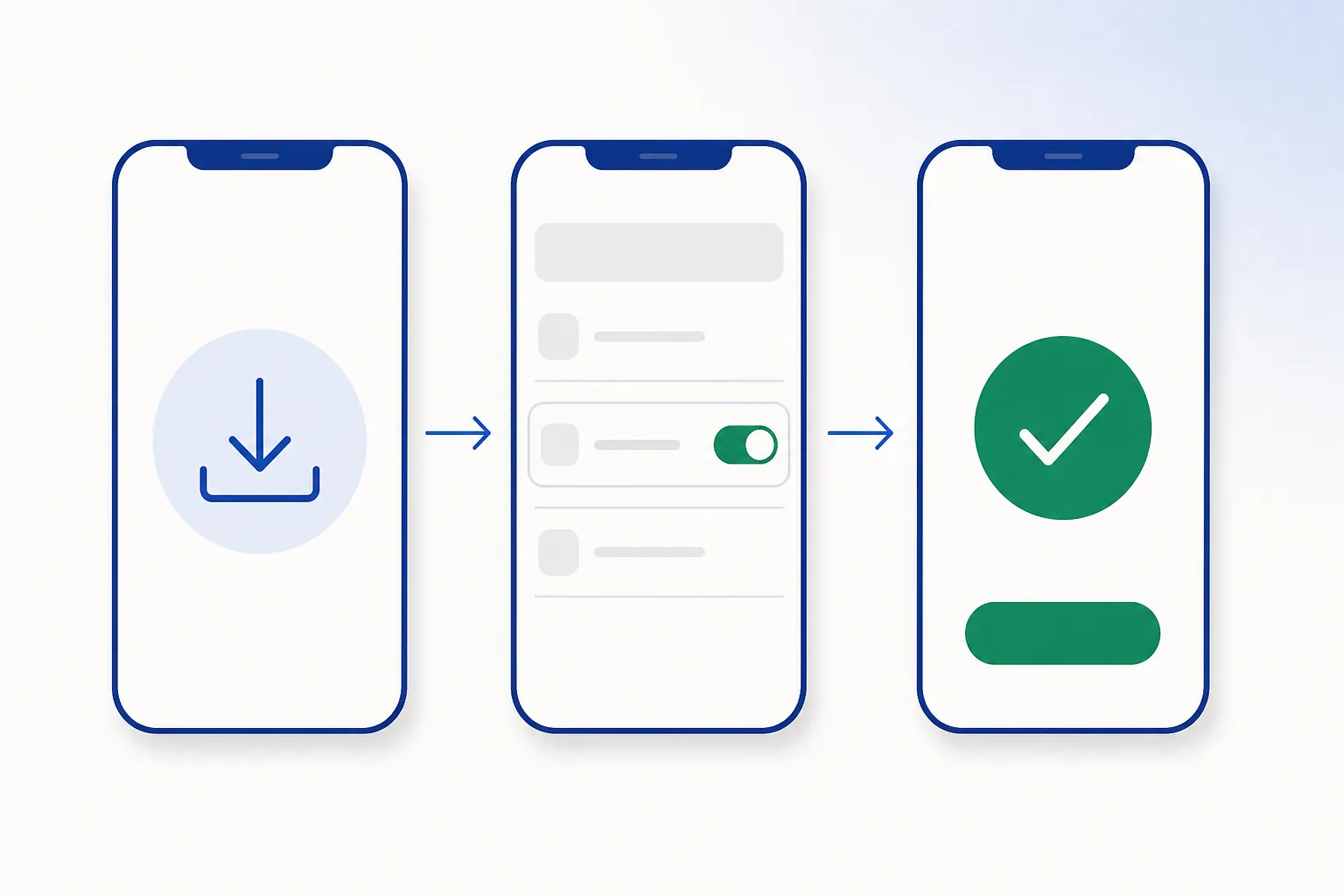
- A one-time install permission. Since Android 8.0, whichever app starts the install — your browser or file manager — needs the “Install unknown apps” switch under Settings → Apps → Special app access. Android shows this prompt for every app installed outside the Play Store; you allow it once and continue.
- Play Protect scanning. On any phone with Google services, packages are scanned as they install, whatever their origin — explained in how Play Protect works.
- Installer validation. The system confirms the package parses correctly, its signature is internally consistent, it is not an accidental downgrade, and it does not clash with an installed app of the same name from a different publisher.
- Runtime permissions. Even after installing, sensitive permissions such as camera and location need your approval when they are first used — see permissions explained.
How Android decides to trust a package
“Trust” on Android is narrow and technical. The system enforces two guarantees, and they are the ones that matter day to day:
- Identity continuity: an update must carry the same package name and be signed with the same certificate as the version already installed. A different certificate means the install is refused, which is what keeps your existing app yours.
- Integrity: the signature has to validate across the whole package. One altered byte and validation fails, so a half-finished download can never quietly install.
What Android deliberately does not do is rank publishers for you. It confirms that a package is intact and that updates keep coming from the same source; choosing that source in the first place is your call. That is the entire argument for starting from the operator’s own page instead of a search result, and the mechanics behind it are in APK security fundamentals.
APKs vs app bundles (AAB)
Publishers upload Android App Bundles to Google Play, and Play builds a device-specific APK from the bundle for each phone. Two things follow from that:
- The same app can produce slightly different files on different phones, so comparing file sizes between two devices tells you very little.
- “Original Play Store APK” labels on mirror sites do not mean much, because Play never serves one universal file — somebody assembled the copy being offered. Downloading from the operator gives you a build they intend for your device.
Want the Android package for India without the detour?Open the app page
Frequently asked questions
Is an APK the same as an app?
An APK is the container; the app is what it becomes once installed. One app can ship as several packages tailored to different phones, which is why two people can have the same app at slightly different file sizes.
Why isn't the Crorebet app on Google Play?
Google Play does not list real-money casino apps in India, so operators in this category distribute the Android app themselves. The install itself is ordinary — it uses the same package format and the same Android installer that Play uses behind the scenes.
Can I open an APK on a computer?
Yes — rename it to .zip and extract it, or better, use an APK analyser that decodes the binary manifest for you. Reading a package before installing it is one of the checks in how to check an APK file.
Does installing an APK void my warranty or harm the phone?
No. Installing from a package is a supported platform feature and it does not touch system software or your warranty. What shapes the experience afterwards is where the file came from and which permissions you choose to grant.
Why do some APKs install on one phone but not another?
Usually a different Android version (below the file’s minimum), a different processor architecture, or not enough free storage. Each case has a specific fix in installation errors.
Related guides
Sources & references
- Android Developers — application fundamentals — accessed August 2026
- Android Developers — app signing — accessed August 2026
- Android Developers — About Android App Bundles — accessed August 2026