
Mobile App vs Browser Access
Installing the app and opening the mobile site are two doors into the same account, with the same balance and the same features behind them. The difference is how it feels day to day: the app opens from your home screen in a second and can send you alerts, while the browser needs nothing installed at all. Here is the honest comparison, dimension by dimension.
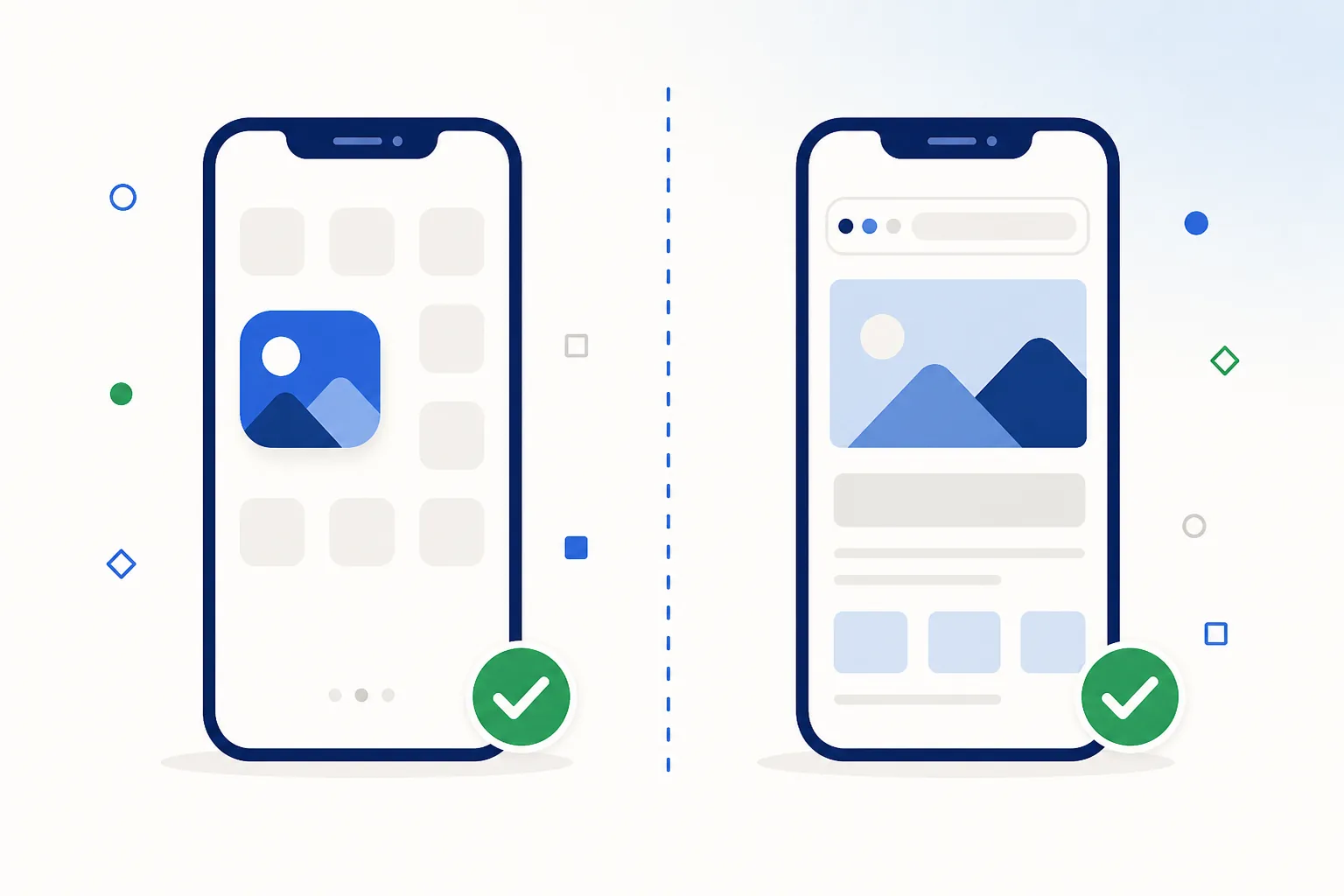
The three ways in
Side-by-side comparison
| What you care about | Installed app | Mobile browser | Home-screen version |
|---|---|---|---|
| Getting started | Download the package, allow the install once, sign in | Open the page and sign in — nothing to install | Two taps in the browser menu |
| Speed once you are in | Fastest: the interface is stored on the phone and only live data is fetched | Slightly slower per session because more is fetched each visit | Close to app speed after the first load |
| Reopening it | One tap on the home-screen icon | Open the browser, find the tab or bookmark | One tap on the icon |
| Notifications | Yes, and you choose which ones after Android asks | Only web notifications, if you allow them | Web notifications where the browser supports them |
| Mobile data | Lower per session thanks to cached screens | A little higher per session, nothing in the background | Low per session |
| Storage | Well under 100 MB on Android | A few tens of MB of cache you can clear any time | Tens of MB |
| Staying current | Occasional update from the official mobile page | Always the current version automatically | Always current, like the site |
| Removing it | Uninstall like any other app | Clear site data | Remove the icon |
What installing actually changes
Google Play does not distribute real-money casino apps in India, which is why the Android app arrives as a downloaded package rather than a store listing. That is normal for the whole category, and it is covered in more detail in the app pillar guide. In practical terms, installing changes three things:
- Your phone asks once. Android shows a permission prompt the first time you install something from outside the Play Store. You tap through it once per source, and Play Protect still scans the package on the way in.
- Updates come from the app or the mobile page. Instead of arriving silently in the background, a new build is something you install over the top of the old one — a one-tap job that keeps your login and settings. If you like knowing exactly what a file is before it lands, the quick checks take about a minute.
- You choose the permissions. An installed app can ask for notifications, storage or the camera for identity checks; each request is a prompt you can accept or decline, and you can change your mind later in Settings.
Which one to pick
- Pick the app if Crorebet is something you open several times a week, if you want alerts for events you follow, or if you are on a slower connection where cached screens make a visible difference.
- Pick the browser if you visit now and then, if your phone is short on free storage, or if you are using someone else’s device and want to leave nothing behind.
- Pick the home-screen version if you are on an iPhone, or you want an icon without an install — it is the middle ground and takes two taps.
You are not locked in either way. The account is the same, so you can install the app today, uninstall it next month, and carry on in the browser with your history and balance untouched.
Want to compare them on your own phone? Start with the app.Open the Crorebet mobile page
Frequently asked questions
Does the mobile site have fewer features than the app?
No. These services are built web-first, so the app and the site show the same sections, the same game lobbies and the same account screens. The differences are convenience ones: notifications, the home-screen icon and faster reopening.
Does 'Add to Home screen' install an app?
Not in the Android sense — it creates a shortcut that opens the site full screen, with no package and no install prompt. It is the standard way to get an app-style icon on iPhone, and a handy middle ground on Android too.
Can I use both the app and the browser?
Yes, and plenty of people do — the app on their own phone, the browser on a laptop or a second device. One account, one balance, one history, whichever door you come through.
Which uses more mobile data?
The browser uses a little more per session because it fetches the interface again each visit; the app uses less per session but may sync in the background. Android’s per-app data usage screen shows exactly what your own usage looks like.
Related guides
Sources & references
- web.dev — Progressive Web Apps documentation — accessed August 2026
- Android Developers — web apps overview — accessed August 2026