
Android Installation Errors & Fixes
Android's installer messages were written for developers and then shown to everyone else, which is why they sound worse than they are. Almost every one of them has a two-minute fix. This page translates each message into its real cause and the step that clears it — for any app, and for the Crorebet install specifically.
The error reference table
| Problem | Likely cause | What to check |
|---|---|---|
| “There was a problem parsing the package” | The file is incomplete — usually a download that stalled — or it is not actually an APK. | Compare the downloaded size with the stated size, re-download over Wi-Fi, and confirm the file really ends in .apk. |
| “App not installed” | The catch-all message: a clash with an existing app, storage, an incomplete file or a chip mismatch, after the package parsed fine. | Work the five families in order. There is a step-by-step walkthrough in the APK troubleshooting knowledge base. |
| “App not installed as package conflicts with an existing package” | An app already on the phone uses the same package name but was signed with a different key — most often an older copy from a mirror. | Check which app owns the name and which build is current. Installing the operator's current version over your existing one is the clean path; uninstalling first also clears your app data. |
| “App not installed as package appears to be invalid” | Signature validation failed, the file is truncated, or the package targets a configuration your phone does not match. | Re-download, compare the checksum if one is published, and check minSdkVersion against your Android version. |
| “Blocked by Play Protect” | The package matched a pattern in Google's threat data — common with repackaged mirror copies, rare with a file straight from the operator. | Delete that file and download the current build from the official page rather than turning scanning off. How Play Protect works explains what its messages mean. |
| “For your security, your phone is not allowed to install unknown apps from this source” | The browser or file manager has not been given the 'Install unknown apps' switch yet. Android shows this for every app installed outside the Play Store. | Tap Settings in the prompt, or go to Settings → Apps → Special app access → Install unknown apps, and allow the app doing the install. One tap, one time. |
| “Insufficient storage available” | Installing needs room for the package plus its extracted and compiled contents, so more than the file's own size. | Settings → Storage. Clear app caches and remove unused media; roughly 3× the file size free is a comfortable target. |
| Install screen greyed out / can't tap Install | Screen-overlay protection: another app is drawing on top — chat heads, blue-light filters, screen recorders. | Close those apps, or turn them off under Settings → Apps → Special app access → Display over other apps, then retry. |
| “App not installed” only on one device | Chip mismatch — the package ships native libraries that do not include your device's architecture. | Inspect the package's lib/ folders with an analyser and compare with the device; virtually every modern phone sold in India is arm64-v8a. |
| Version downgrade refused | The file's versionCode is lower than the installed version's, and Android does not allow downgrades. | Compare the installed version with the file. Usually it means you have picked up an older copy — get the current build instead of forcing the old one. |
Parse errors in depth
A parse error means Android could not read the package structure at all, so it never got as far as signatures or compatibility. In practice the file is nearly always just damaged:
- Downloads over mobile data that stall and resume produce truncated files more often than people expect. Re-downloading on stable Wi-Fi resolves most parse errors on its own.
- Some download portals serve an HTML error page, or a small “downloader” stub renamed to
.apk. If the downloaded file is a tiny fraction of the size the page stated, that is what happened — go back to the operator’s page and download from there. The tell-tale signs of those portals are listed in fake app warning signs. - Genuinely incompatible packages — built for a newer Android than your phone runs — can also fail to parse on older devices. Check
minSdkVersionbefore blaming the download.
Conflicts with an app you already have
Conflict errors are the ones worth slowing down for, because the obvious move — uninstall the old app, install the new file — throws away more than people realise:
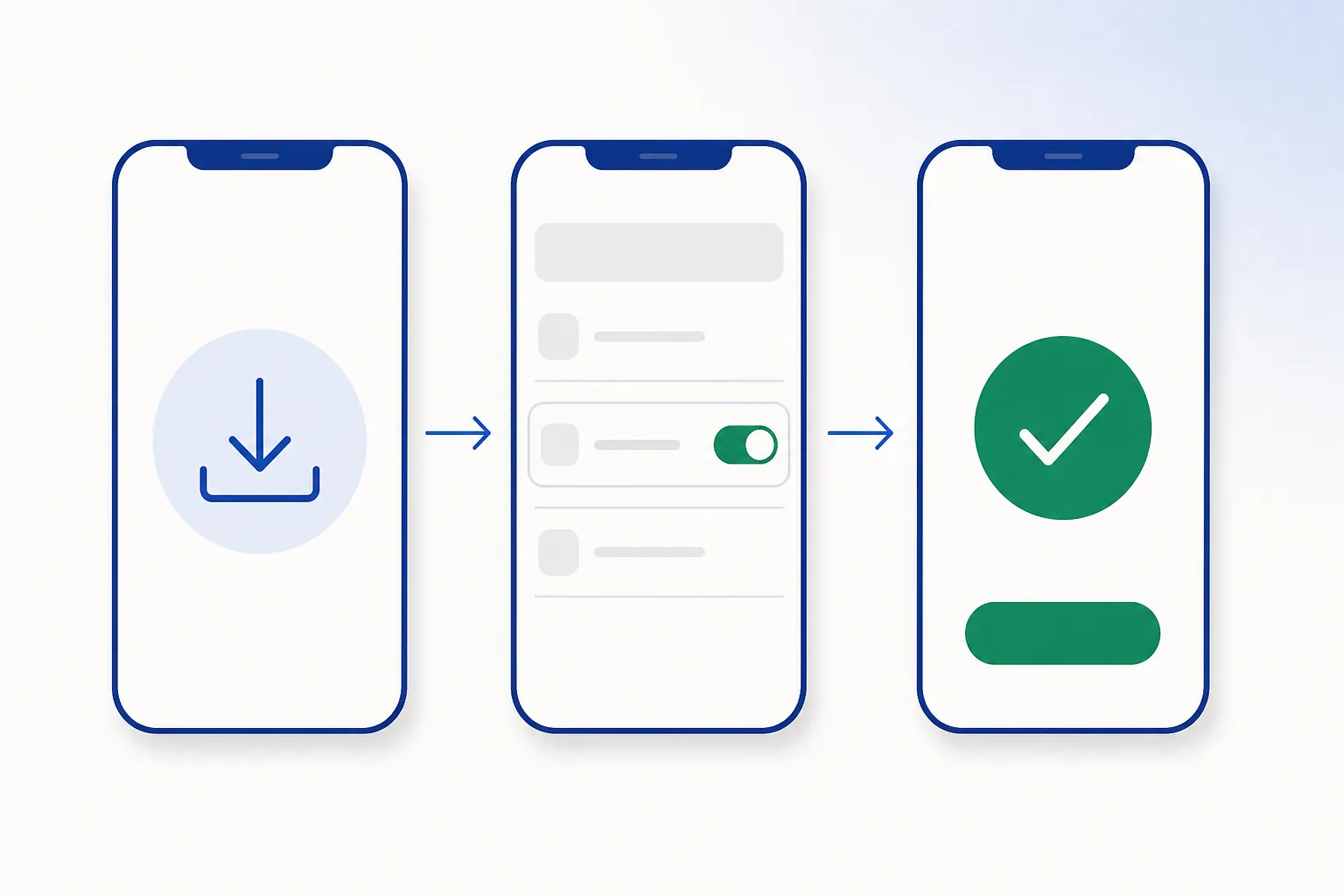
Why signature continuity exists — and what it does and does not cover — is explained in APK security fundamentals.
Storage, chip & Android version
- Storage: an install needs space for the package, its extracted contents and its compiled code — reliably 2–3× the file size. Android can also refuse installs when free space drops below its own thresholds, even when the arithmetic looks fine.
- Processor architecture: packages with native code include libraries per chip type. Phones in India are almost universally arm64-v8a with 32-bit compatibility, so this is a rare cause — but it surfaces as the unhelpful generic “App not installed”.
- Android version: the manifest’s
minSdkVersionis enforced strictly and there is no override. If your phone is below it, you need a newer Android or a build that supports the older one — the mobile site in a browser is a working alternative in the meantime.
Fixed it, or starting fresh? The current Android build is one tap away.Open the Crorebet app page
Frequently asked questions
Do 'APK fixer' or 'installer helper' apps solve these errors?
No — the installer is not broken, it is reporting a real condition, so there is nothing for a helper app to fix. Diagnose the actual cause with the table above; every entry has a fix you can do yourself in a couple of minutes.
Why does the same file install on my friend's phone but not mine?
Different Android version, different free storage, an existing app using the same package name, or a chip difference. The file is only half the equation — the phone is the other half.
Does restarting the phone really help?
Sometimes, yes. A stuck package-installer session or a pending system update can block an install until the phone reboots. It is a cheap step to try after checking the file and your free storage.
Is the “install unknown apps” prompt a warning about the app?
No. Android shows it for every app installed from outside the Play Store, whatever the app is. It is a routine one-time permission for the browser or file manager doing the install — allow it and carry on, and switch it back off later if you like a tidy phone.
Related guides
Sources & references
- Android Developers — PackageInstaller reference — accessed August 2026
- Android Help — free up storage space — accessed August 2026
- Android Developers — ABI management — accessed August 2026