
iPhone & iOS Mobile Access
Most of the confusion about “app downloads” on iPhone comes from applying Android habits to iOS. Apple distributes software on completely different terms, and the practical result is good news: on an iPhone you skip the download entirely and add Crorebet straight to your home screen, where it opens full screen with its own icon.
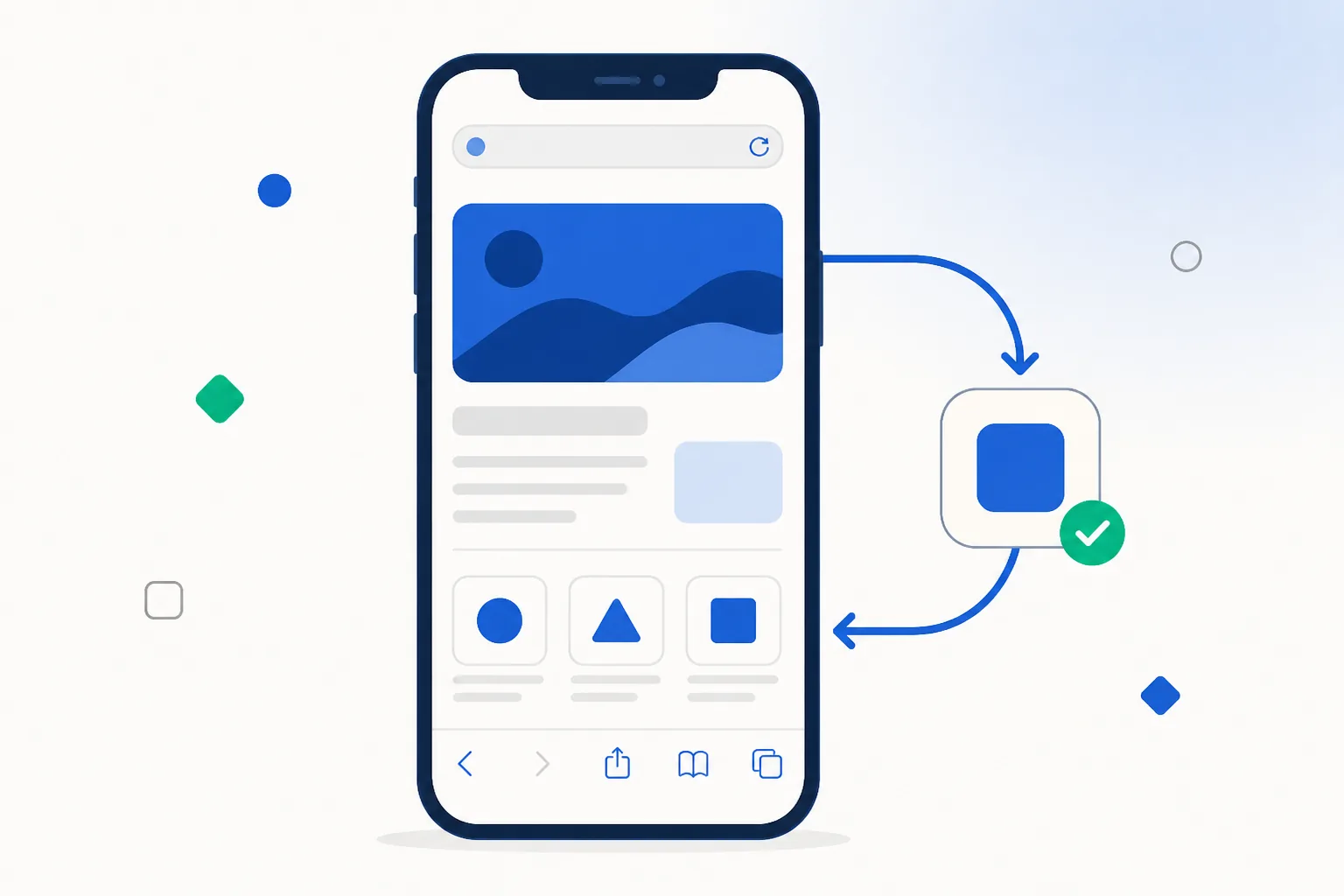
How iPhone apps are distributed
Apple’s model is closed by design: apps are reviewed by Apple, signed by Apple’s infrastructure and installed from the App Store. iOS will not run code signed any other way. Where Android lets you install a package yourself, iOS keeps a single distribution channel — and fills the gap with a very capable browser.
The European Union required a partial exception (alternative app marketplaces under the Digital Markets Act, from iOS 17.4), but that applies inside the EU. In India, iOS has one app channel, so the mobile site is the iPhone route for this category.
| Question | Android (India) | iPhone (India) |
|---|---|---|
| How you get in | Install the Android package from the official mobile page | Open the mobile page and add it to your home screen |
| Package format | APK — Android's installer file | IPA — used only inside Apple's own channels |
| Setup time | About a minute, including the one-off permission prompt | Under half a minute, two taps |
| Why no store listing | Google Play does not distribute real-money casino apps in India | The App Store does not carry them in India either |
| Same account? | Yes — one login and one balance | Yes — identical account and balance |
Why there is no iPhone APK
APK is an Android format. iOS uses IPA packages with a different signing and installation regime, and an IPA only installs when Apple’s signature requirements are met. There is no converter between the two, and there is no need for one — the routes people occasionally mention are all narrower or clumsier than simply using the site:
- Enterprise certificates exist so companies can distribute internal apps to their own staff. They are not a consumer channel, and apps installed that way can stop working when a certificate is withdrawn.
- TestFlight is Apple’s beta-testing channel, with its own review and invite limits — built for testers, not for everyday access.
- Configuration profiles install settings or web shortcuts rather than apps. If a page asks you to install a profile, you can decline and use the home-screen route instead, which achieves the same thing in two taps.
Reading “iOS download” offers
Third-party pages often advertise an iPhone version next to the Android package. Given how iOS distribution works, here is what each phrasing usually means in practice:
| Wording on a third-party page | What it usually is |
|---|---|
| “Download Crorebet for iPhone” | The mobile site plus home-screen instructions — the same thing the official page gives you directly |
| “iOS app, no App Store needed” | Either a home-screen shortcut described loosely, or an enterprise build that can stop working without notice |
| “Install via TestFlight invite” | Apple's beta channel, which is invite-limited and not meant for ongoing use |
| “Crorebet IPA download” | Not installable on a normal Indian iPhone; the home-screen route replaces it |
The shortcut through all of it: open the official mobile page on the iPhone and add it to the home screen. That is the iPhone version, and it takes less time than reading a download page.
Setting it up on your iPhone
- Open the mobile page in Safari
Use the button on this page from the iPhone itself. Safari is the smoothest choice because the home-screen option lives in its share menu, though on iOS every browser uses the same underlying engine.
- Tap Share, then Add to Home Screen
The share icon is the square with the upward arrow. Scroll the list, choose Add to Home Screen, rename it if you like, then tap Add. An icon appears alongside your other apps.
- Open it and sign in
The icon opens full screen with no address bar. Sign in with your existing details, or create an account there — the balance and history are shared with the website and with the Android app, as the app versus browser comparison sets out.
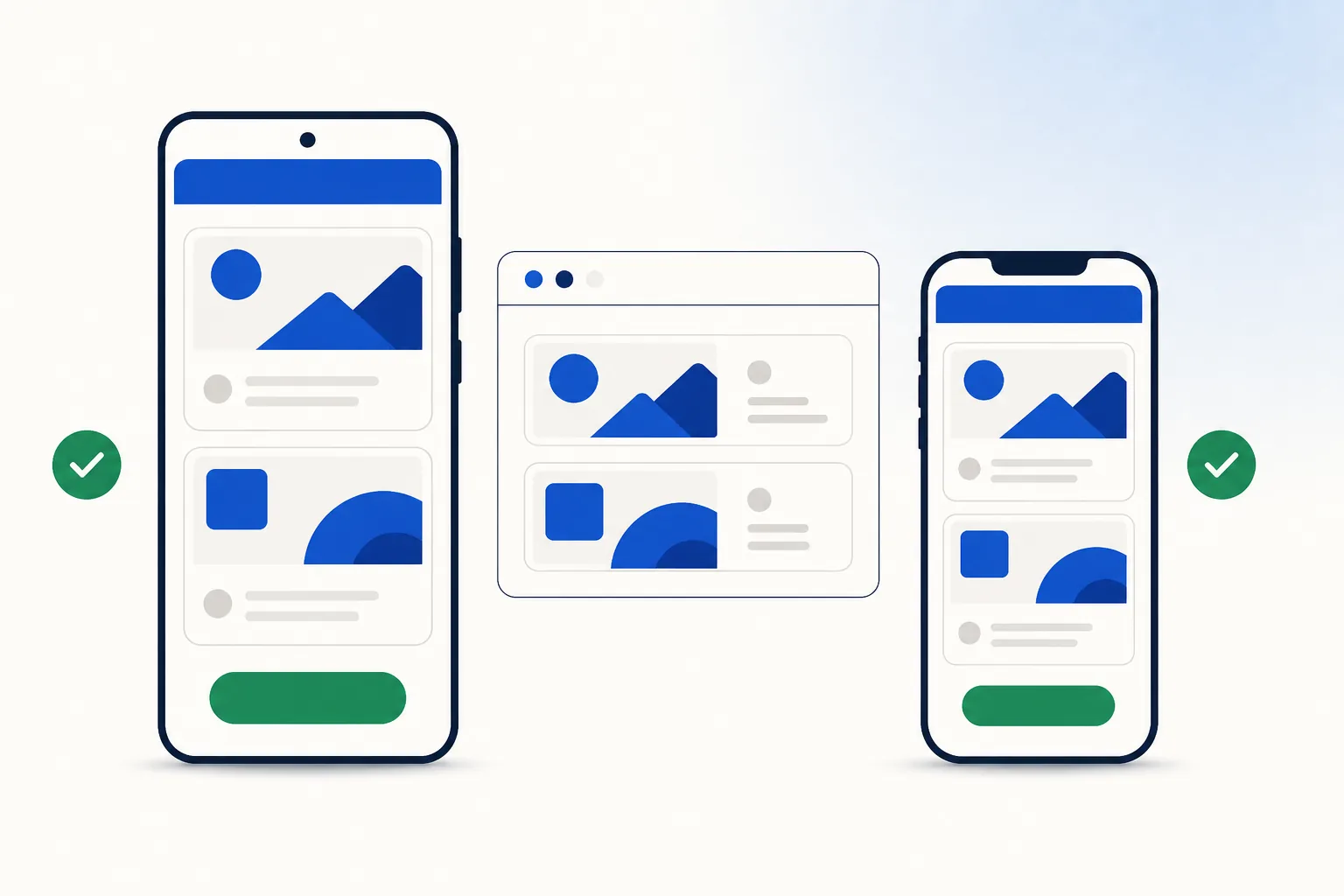
A few practical notes once it is set up: iOS keeps you signed in between sessions, so use a screen lock on a shared phone; and the habits in mobile account security — a unique password and the one-time code step — work exactly the same way on iPhone as on Android.
On an iPhone right now? Two taps and you are set up.Open the mobile page
Frequently asked questions
Can I run an APK on an iPhone with a converter?
No — APK and IPA are built for different operating systems and no converter exists. You do not need one: the home-screen version gives an iPhone the same features the Android package gives an Android phone.
Why do EU iPhone users have sideloading and India doesn't?
The EU’s Digital Markets Act obliged Apple to open alternative distribution there. No equivalent Indian rule requires it, so the App Store remains the single app channel in India — which is why the site-plus-icon route is the one everyone uses here.
Do I need to jailbreak anything?
Not at all, and it would gain you nothing. Everything you would want an app for — live sections, your account, deposits and withdrawals, notifications from the site — is available through the home-screen version on a completely standard iPhone.
Is the iPhone experience worse than the Android app?
Barely different in daily use. You get the same interface at full screen with its own icon; the Android package caches a little more locally, so it reopens marginally faster. Feature coverage is the same, as the Crorebet app guide describes.
Related guides
Sources & references
- Apple — App Store Review Guidelines — accessed August 2026
- Apple Support — safely open apps / Gatekeeper & signing model — accessed August 2026
- Apple — alternative app marketplaces in the EU (DMA changes) — accessed August 2026