
APK Security Fundamentals
Most writing about installing Android apps from a download is either alarmist or hand-waving. The reality is refreshingly concrete: Android has a real cryptographic system for tying an app to its publisher, there are a couple of things that system does not cover, and a two-minute routine closes the gap. Here is all of it in plain English.
What actually goes wrong, and what catches it
When people run into trouble with a downloaded app, it is almost never exotic. It is one of a handful of ordinary situations, each with an obvious check:
| What you can run into | How it shows up | What catches it |
|---|---|---|
| A repackaged copy | The app works normally, but it was rebuilt and re-signed by someone other than the publisher. | Download from the operator's own page; compare the signing certificate if you have a reference |
| A mislabelled file | The download installs something different from what the page advertised. | Read the package name in an APK analyser before you install |
| An out-of-date build | A stale version cached on a mirror that no longer matches the live service and will not update cleanly. | Take the current build from the operator rather than a mirror copy |
| A stub 'downloader' | A tiny file that installs almost nothing and then fetches something else. | A full app is not a few hundred KB; keep Play Protect switched on |
| An app asking for more than it needs | Permission requests that have nothing to do with what the app does. | Read the permission list and grant only what fits the app's job |
Any app where you sign in and move money deserves the same care you would give your banking app: get it from the operator, use a login you do not reuse elsewhere, and glance at the permissions. The Crorebet-specific version of that checklist lives in the Crorebet APK guide.
How APK signing actually protects you
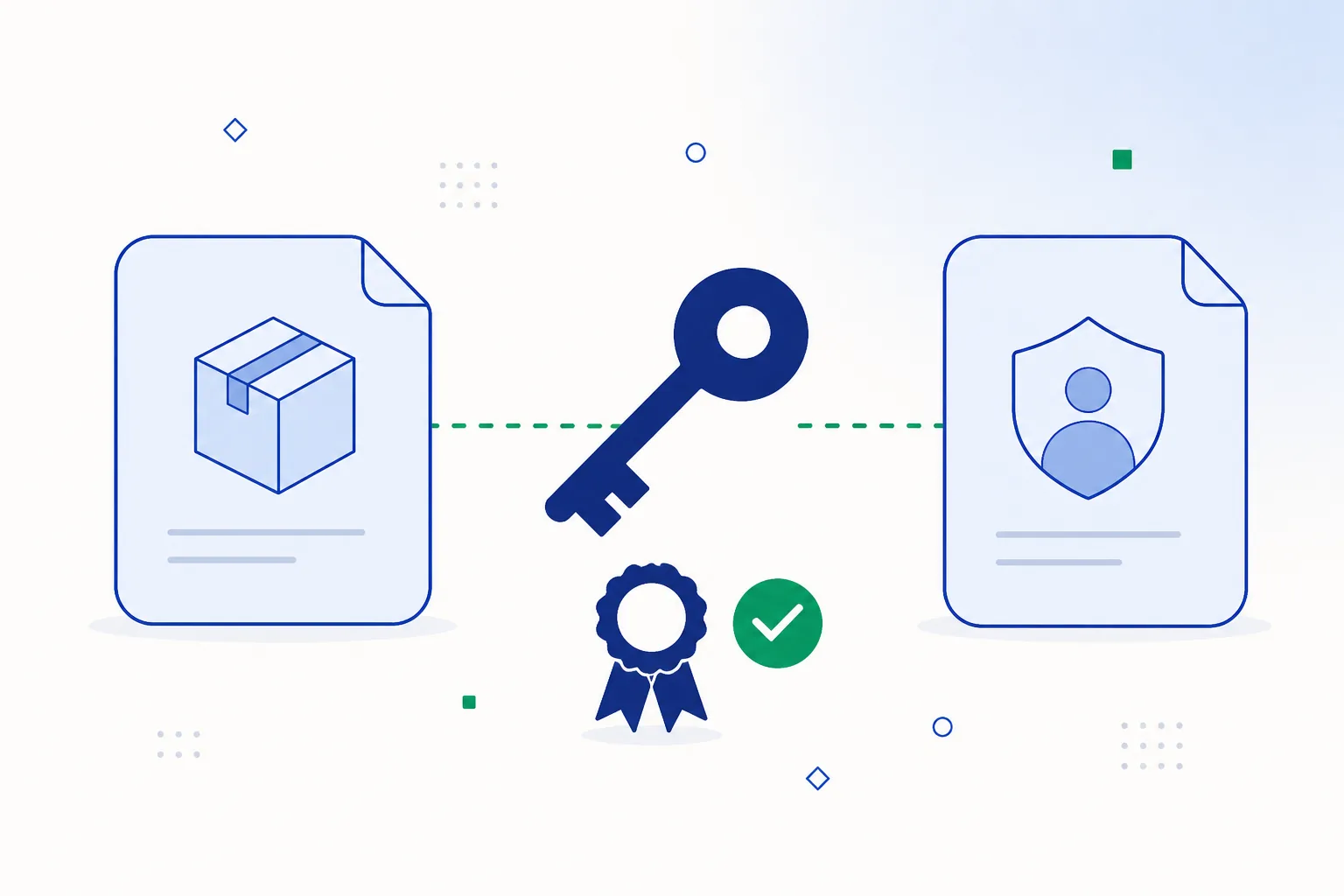
Every APK must be signed before Android will install it, and the signature covers the entire package. That gives you two firm guarantees:
- Tamper evidence. Change a single byte of a signed APK and validation fails. A modified package has to be re-signed, necessarily with a different key — so modifications cannot hide.
- Update continuity. Android refuses an “update” whose certificate differs from the installed version’s. Once you have the genuine app, nothing else can slide into its place through the update path.
Modern Android uses successive signature scheme versions (v2 and v3 cover the whole file rather than individual entries, and v3 adds key rotation), but the user-facing meaning stays the same: the certificate fingerprint is the publisher’s lasting identity. Comparing that fingerprint against a copy you already trust is the strongest single check available, and the practical steps are in how to check an APK file.
How lookalike copies get made
It helps to know how a rebuilt copy comes about, because it explains why the source matters more than appearances:
- Someone takes the published app from a device or a mirror.
- They rebuild the package with their own changes.
- They sign it with a fresh key of their own.
- They publish it on a page built to look like the real one, often with better search rankings than the operator.
Because it starts from the real app, the result looks right — interface, features, everything. Looking at it will not tell you apart. Three things will: where you got it, the signing certificate, and a permission list that fits what the app does.
What signatures cannot tell you
Cryptography has clean edges. Signing does not establish:
- Who holds the key. Certificates for APK signing are usually self-generated, so a valid signature proves the file is intact and internally consistent — not who owns the key that made it.
- That a first install came from the right place. Continuity protection begins from whatever you install first, which is precisely why the first download is the one worth getting from the operator.
- Anything outside the file. A signature says nothing about how a service runs day to day or how the category is regulated — for the Indian picture, see online gaming rules in India.
A layered routine that actually works
- Pick your route. The Android app and the mobile browser reach the same account and the same features; the app is faster to reopen, the browser needs no install. Either is a fine answer — app vs browser compares them.
- Start from the operator. One official mobile page, no mirror chain, no shortened redirect links.
- Glance at the file. Package name, version and permission list — plus the certificate fingerprint if you have something to compare it with.
- Leave the platform protections on. Play Protect enabled, security patches current, and you can switch “Install unknown apps” back off once the install is done if you prefer a tidy phone.
- Normal account hygiene. A password you do not reuse, two-factor where it is offered, and only the permissions the app genuinely uses — mobile account security has the details.
That routine takes about two minutes — or none at all if you start here.Get the app from the operator
Frequently asked questions
Will a mobile antivirus tell me whether a file is the real app?
Only partly. Scanners recognise files they already know about, so a clean result on a brand-new file is a weak signal in either direction. Where the download came from is the check that actually answers the question; a scan is a useful second opinion on top.
What does a 'signature verification failed' error mean?
That the file does not match the app already on your phone — usually a copy signed with a different key, or an incomplete download. Rather than uninstalling a working app to force the file through, fetch the current build from the operator and install that.
Are APKs from big mirror sites fine because so many people use them?
Popularity is not verification — large mirrors host files uploaded and scraped at scale with very uneven review, and their copies are often several versions behind. The publisher’s own page is the reference point, because that is where the current build is actually published.
Does rooting change any of this?
A rooted phone gives every app more room than a stock one, so the ordinary habits count for a little more: install from the operator, keep Play Protect on, and review permissions after setup.
Related guides
Sources & references
- Android Developers — APK signature schemes (v2, v3) — accessed August 2026
- Android Developers — app signing — accessed August 2026
- Google Play Help — Play Protect — accessed August 2026