
Crorebet App & APK: Frequently Asked Questions
The questions people in India actually type into search, answered in a sentence or two, each with a link to the longer explanation. If you only want the app itself, the button on this page opens the official Crorebet mobile page — that is where the app comes from.
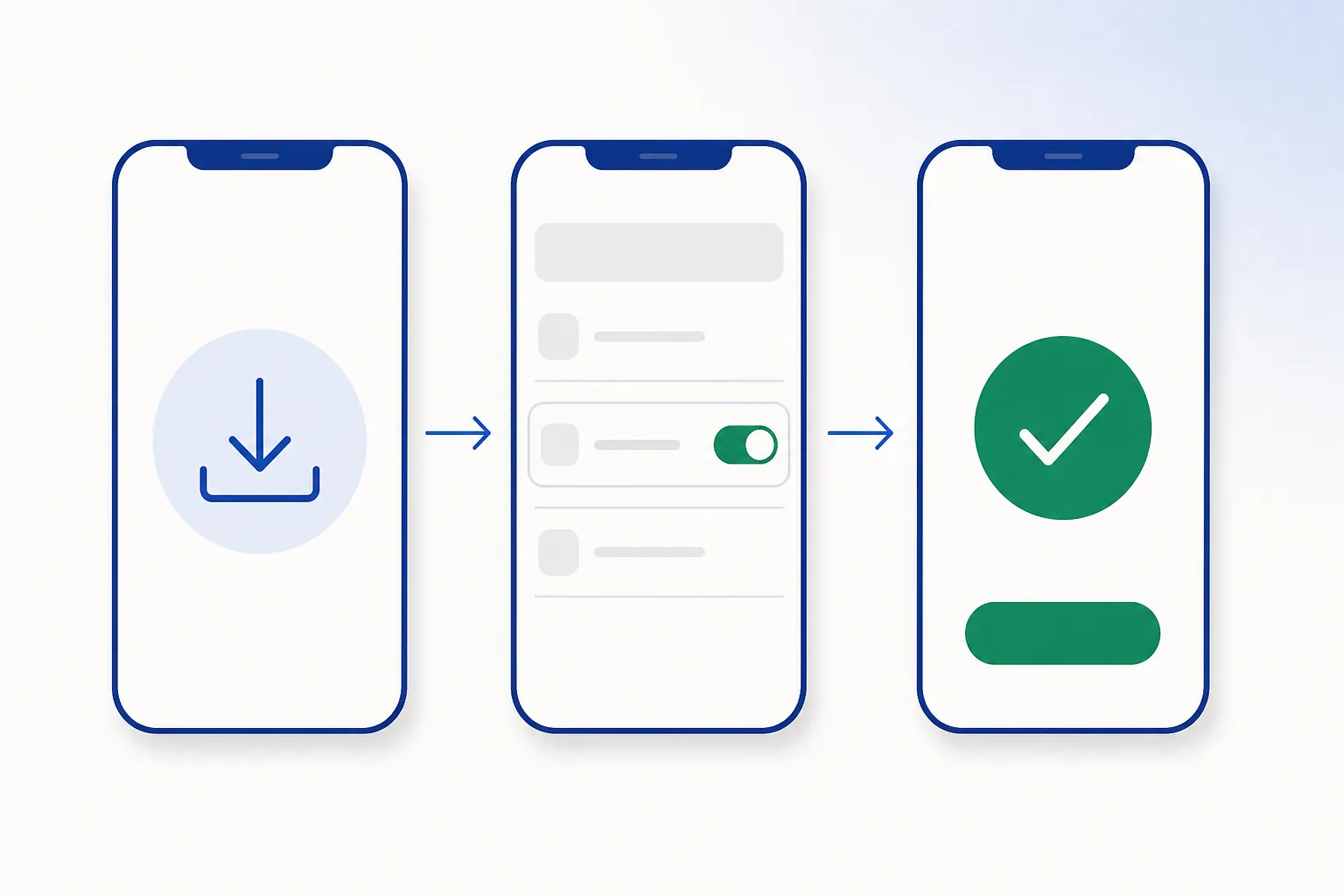
Availability
What is the Crorebet app?
The mobile version of the Crorebet casino app (also written “Crore Bet”). On Android it is an app you install from the operator’s own mobile page; on iPhone it is the mobile site added to your home screen. Both reach the same account. Full detail: the Crorebet app guide.
Why isn't it on the Google Play Store?
Google Play does not distribute real-money casino apps in India, so operators in this category publish their Android app directly instead. That is normal for the whole category, and it is why the install uses a downloaded package rather than a store listing. Checked at our last review (26 August 2026).
Is there a Crorebet app for iPhone?
Yes, through the mobile site: open it in Safari, tap Share, then Add to Home Screen for a full-screen icon that behaves like an app. Step-by-step: iPhone & iOS access.
Are “Crorebet” and “Crore Bet” different apps?
No — two spellings of one brand, and both lead to the same app and the same account. The naming background is in the Crore Bet guide.
Can I use it on a PC or laptop?
Yes — open the site in any desktop browser and sign in with the same details. There is no separate Windows program to install, and you do not need an Android emulator to get the full experience on a computer.
Files & versions
Which version should I install?
Whichever one the official mobile page is serving — that is the current build by definition, so there is no version number to hunt for. To read the version of a package you already have, see the APK guide.
How much storage does it need, and which Android version?
Android 6.0 or newer covers virtually every phone sold in recent years, and the app itself sits well under 100 MB — leave a little headroom for the download. For a file in hand, the manifest’s minimum Android version and the real file size are the authoritative answers.
Where should I download the Android package from?
From the operator’s own mobile page, which is what the button on this page opens — one link, current build, nothing to cross-check. If you ever end up with a file from somewhere else, the quick verification workflow and the signs of a copy tell you what you have in about a minute.
How do I update without losing my data?
Install the new package over the existing app — never uninstall first. Android keeps your data and checks the update came from the same publisher. Full mechanics: the update guide.
Safety & verification
How do I check a package before installing it?
Five quick steps: note where it came from, compare the SHA-256 hash if one is published, read the manifest (package name, version, permissions), check the signing certificate, and let Play Protect scan it. Walkthrough: how to check an APK file.
Which permissions should the app ask for?
Internet and notifications, plus the camera at an identity-check step. Requests for SMS, contacts, call logs or accessibility do not fit this kind of app — the full table is in permissions explained.
Should I turn off Play Protect to install it?
No, and you do not need to — Play Protect scans packages from outside the Play Store and lets normal ones through. Leave it on; any page telling you to switch it off is not one to download from. How Play Protect works.
App or mobile site — which is better?
The app is faster to reopen and can send notifications; the site needs no install at all. Same account either way, so it is purely a convenience choice — compared properly in app versus browser access.
Everything above in one step:Open the official mobile page
Rules & regulation
How is online gaming regulated in India?
India introduced a central framework for online gaming in 2025, which sets out how operators are treated. We keep a plain, dated summary with primary sources at online gaming law in India. Nothing on this site is legal advice.
Is installing an app from outside the Play Store allowed?
Yes — installing a package yourself is a standard, documented Android feature, which is why your phone has a permission prompt for it. It is how most casino apps in India are distributed, since Google Play does not carry the category.
Where do the details on this page come from?
Official Android and Apple documentation for the technical parts, Indian government sources for anything regulatory, and our own testing of the install steps. How we source and date everything is described in our fact-checking policy.
Problems
The package won't install. What now?
Nearly every case is one of five things: a partial download, not enough free storage, an older copy still installed, the install permission not yet granted, or an Android version mismatch. Each has a quick fix in the troubleshooting knowledge base.
Why is the app showing a blank screen or spinning forever?
Usually the connection, a brief server-side outage, or a corrupted cache. The two-minute sequence — force stop, clear cache, restart, current build — is in app troubleshooting.
How do I remove the app completely?
Uninstall it from Settings → Apps, delete the leftover package from your Downloads folder, and revoke the “install unknown apps” permission if you want to. Walkthrough: removal steps. Your account and balance stay on the server either way.