
Crorebet APK: How to Install It on Android, Step by Step
An APK is just Android’s installer format — the same kind of file that sits behind every app on your phone, delivered directly instead of through a store. This guide walks through the Crorebet install from download to first login, explains the one permission prompt Android shows along the way, and covers requirements, updates and the handful of errors that occasionally appear.
What an APK file is
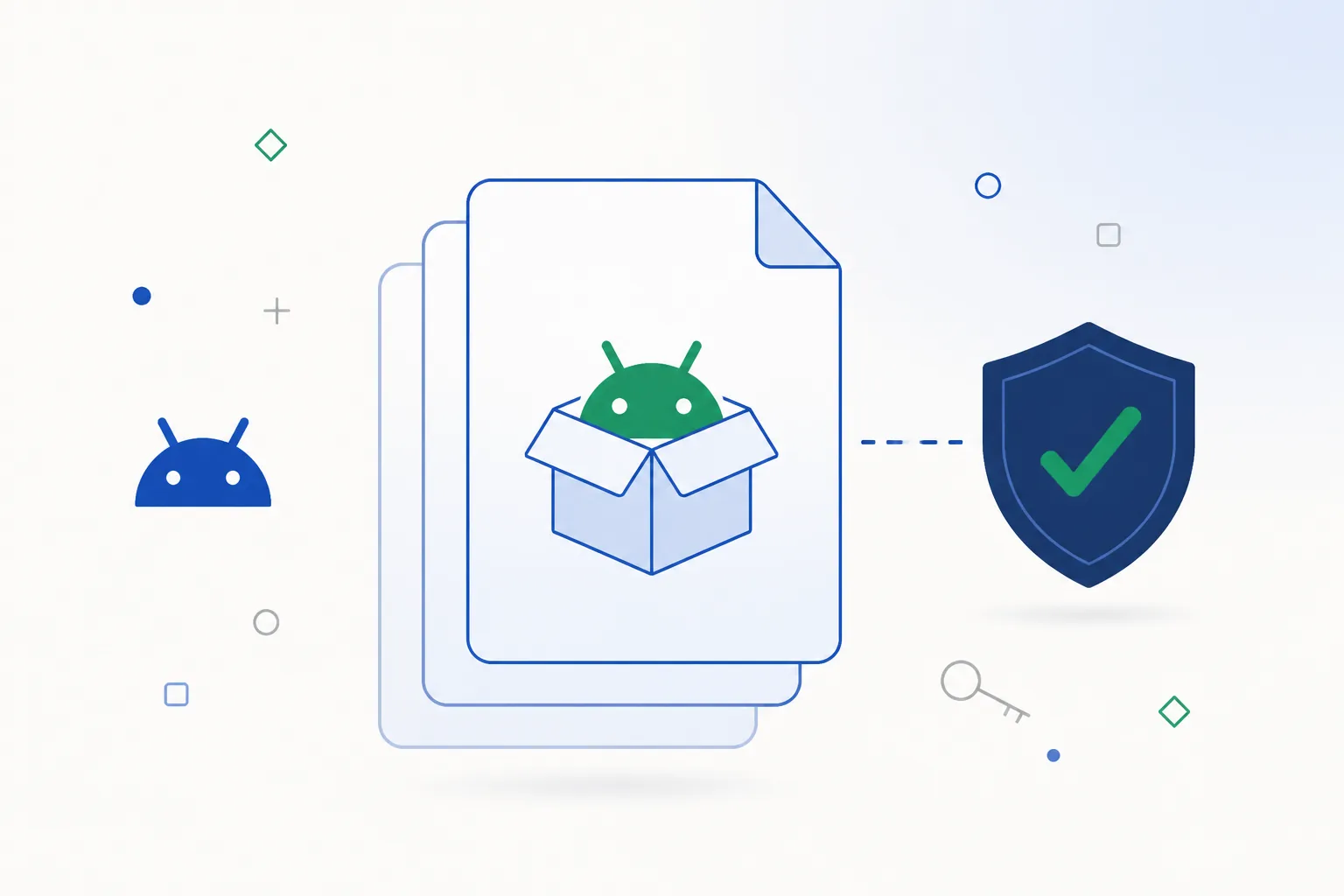
An APK (Android Package Kit) is the container format Android uses to install applications. Technically it is a ZIP archive with a defined structure — you can rename an .apk file to .zip and look inside. It holds the compiled code (classes.dex), the images and layouts, native libraries for specific processor types, an AndroidManifest.xml that declares the package name and every permission the app can ask for, and a signature block identifying the publisher.
Two things follow from that, and both are useful to know:
- The manifest is the honest version. Whatever the file declares is what Android enforces, so the permissions listed there are the real list — no download page can change them.
- The signature ties versions together. Android will only install an update over an existing app when both were signed by the same publisher, which gives you a built-in continuity check for free.
Once the app is installed, the APK file itself has done its job. You can delete it from your Downloads folder. A brand-neutral primer on the format lives in Android APK files explained.
APK vs a Play Store install
Every app on Google Play is an APK underneath. The difference is not the file, it is the delivery route:
| Property | Google Play install | Direct APK install |
|---|---|---|
| Where the file comes from | Google's servers | The operator's own mobile page |
| Scanning at install time | Play Protect, plus Google's store review | Play Protect, on your device, every time |
| Updates | Delivered automatically in the background | The app prompts you, and you install the new file over the old one |
| Permission prompt | None beyond the app's own requests | One extra 'allow this source' tap, the first time only |
| What you end up with | An app icon on your home screen | The same app icon on your home screen |
Google Play does not carry real-money casino apps in India, which is why this category is distributed directly — the app pillar guide covers what that means for Android and iPhone users in practice. The install itself is a standard, documented Android feature that hundreds of apps use.
How the install works, step by step
“Sideloading” is the technical word for installing an app from somewhere other than a store. Android supports it deliberately, and the flow is short:
- Download the package
Tap the download on the official mobile page in your phone browser. Chrome shows a standard notice about files of this type — it appears for every APK, from every publisher, and is not a verdict on the file.
- Open the file and allow the source once
Tap the downloaded file. Android asks whether the app doing the installing — usually Chrome or your file manager — may install apps. Tap through to Settings → Allow from this source and come back. This happens the first time only.
- Play Protect scans the package
On any phone with Google services, the package is checked locally and against Google’s database before it installs. Nothing to do here — just leave it enabled. See how Play Protect works.
- Install and sign in
Android installs the app and puts the icon on your home screen. Open it, sign in with your existing Crorebet details or create an account, and you are set.
The “Install unknown apps” prompt explained
Before Android 8.0 a single device-wide toggle called “Unknown sources” covered this. Since Android 8.0 the permission is per app: you allow Chrome, or your file manager, to start installations — nothing else on the phone gains that ability.
- Where to find it: Settings → Apps → Special app access → Install unknown apps.
- Granting it to one app does not authorise any other app to install packages.
- It is a one-tap step, and Android remembers it for that app until you change it.
A one-minute check before you install
If you downloaded from the official mobile page, these checks will simply confirm what you expect. They matter more if you ever arrive at a file from somewhere else. The full workflow with tool suggestions is in how to check an APK file; here is the condensed version:
- Look at where it came from
One clean domain belonging to the operator, a direct download without a chain of redirects, and no “downloader app” offered first. The link on this page takes you straight there.
- Read the permission list
An APK analyser shows the package name, version code and permissions without installing anything. Network, notifications and camera-at-KYC are normal for this category; SMS, contacts or accessibility access are not — see permissions explained.
- Note the signing certificate
Every APK is signed. If you already have the app installed, Android compares certificates for you and will refuse an update signed by someone else — a useful automatic check.
- Let Play Protect finish its scan
Leave it switched on and let it do its thing. No legitimate publisher needs you to turn it off, so treat any instruction to do so as a reason to close the page.
Signatures, package names & hashes
The practical takeaway is that Android already enforces most of this for you. You do not need to memorise fingerprints: install from the official mobile page, keep the app updated from within the app, and the platform handles the continuity checking in the background.
Telling the real app from a copy
Popular brands attract copycat pages, and the ones in this category all look alike once you have seen a few. The recognisable patterns:
- Lookalike domains. Keyword-stuffed addresses that combine the brand with words like “download”, “free” or “latest”.
- Redirect chains. Several hops, pop-ups, or a second “downloader” app pushed before the file you came for.
- Invented specifications. Confident version numbers and file sizes that disagree with the next site quoting the same “build”.
- Instructions to disable protections. The clearest single tell. Nothing worth installing asks you to switch off Play Protect or your antivirus.
Starting from the official mobile page skips all four questions. If you want the fuller catalogue, it is in fake app warning signs, with the underlying mechanics in APK security fundamentals.
Device requirements & storage
This is the section where most APK pages print a confident specification table with numbers nobody checked. Here is what actually determines whether the app runs on your phone, and how to confirm each one yourself:
| Requirement | What applies | How to check on your phone |
|---|---|---|
| Android version | Android 6.0 or newer, which covers effectively every handset sold in India in recent years. | Settings → About phone → Android version. |
| Free storage | The app itself is well under 100 MB; leave a few hundred MB free so Android has room to extract and optimise it. | Settings → Storage. Clearing a couple of large app caches is usually enough. |
| Processor type | Modern phones in India are 64-bit ARM (arm64-v8a), which is what the package targets. | Nothing to do on a phone bought in the last several years. |
| Connection | Wi-Fi or mobile data for the download; a stable connection matters more than a fast one. | Prefer Wi-Fi for the download itself to avoid a truncated file. |
| Account | Your existing Crorebet login works. No separate app account. | Sign in on first launch, or register inside the app. |
| Cost | Free to install and browse. | Nothing is charged at install time. |
Rather than trusting a number printed on a download page, read the file’s own minSdkVersion if you want certainty — an APK analyser shows it in a couple of taps. Architecture mismatches are rare on modern hardware but do exist, and they are one cause of the “App not installed” message covered in installation errors.
Updating the app
Updates do not come through Google Play, which sounds like extra work and mostly is not:
- The app prompts you when a newer build is available, and the download comes from the same official source. Install it over the top; Android checks the publisher matches before replacing anything.
- Your data stays put. Login, history and balance live on the account, not in the app, so an update never resets them.
- A signature-mismatch message means the new file came from a different publisher. Do not work around it by uninstalling first — download the update from the official page instead.
Version codes, downgrade restrictions and what happens to app data during an update are covered in the app update guide.
Common installation errors
The dedicated APK troubleshooting knowledge base works through these in depth. The short reference:
| Problem | Likely cause | What to check |
|---|---|---|
| “App not installed” | Usually a partial download, not enough free storage, or an older copy of the app still on the phone. | Free some space, remove the previous copy, and re-download over Wi-Fi. Full walkthrough in installation errors. |
| “There was a problem parsing the package” | The download did not finish, so the file is incomplete. | Delete the file and download it again on a stable connection. This one is almost always fixed on the second attempt. |
| Nothing happens when you tap the file | The browser or file manager does not yet have permission to start installations. | Settings → Apps → Special app access → Install unknown apps, and allow the app you are installing from. |
| “Package conflicts with an existing package” | A copy of the app from a different source is already installed. | Uninstall the old copy, then install the current package from the official page. |
| Install button greyed out / screen-overlay warning | Another app is drawing over the screen, which Android blocks during permission prompts. | Close floating apps such as chat heads or screen filters and tap install again. |
Pre-install checklist
Thirty seconds of preparation and the install goes smoothly the first time:
- Start from the official page so you know which file you are getting.
- Download on Wi-Fi where you can — most failed installs are simply truncated downloads.
- Check free storage before you begin; Android needs headroom to unpack and optimise the app.
- Leave Play Protect on so the package is scanned as it installs.
- Review the permission prompts as they appear — notifications are optional, and the camera is only needed at the KYC step.
- Set a screen lock on the phone if you have not already, since the app keeps you signed in.
- Use a unique password and two-factor authentication on the account — see mobile account security.
Everything ready? Grab the Android package now.Download on your phone
Frequently asked questions
What does my phone need to run the Crorebet app?
Android 6.0 or newer, a few hundred megabytes of free storage and a connection. That is effectively every phone sold in India in recent years. Check your version under Settings → About phone.
Why does Android ask for permission to install it?
Because the app comes from the operator rather than the Play Store, Android asks once whether the app doing the installing may install apps. It is a standard prompt shown for every APK from every publisher, and it takes one tap.
Should I turn Play Protect off to install it?
No — leave it on. It scans the package during installation, which is exactly what you want, and any page telling you to disable it is a page to close. More on what it does and does not check in how Google Play Protect works.
Is installing an app from outside Google Play allowed?
Yes. Sideloading is a documented, supported Android feature, and Google Play simply does not distribute real-money casino apps in India, which is why this category is delivered directly. Background on how the category is regulated is in online gaming law in India; nothing here is legal advice.
Will I lose my account or balance by installing the app?
No. Your account lives on Crorebet’s servers, so the app, the mobile site and the desktop site all show the same balance and history. Installing, updating or reinstalling changes none of it.
Where do I get the Crorebet APK?
From the official Crorebet mobile page for India — the button on this page opens it, and it serves the current Android package for your device. That is the one link worth using; more about how this site works is on about this site.
Related guides
Sources & references
- Android Developers — app signing and signature schemes — accessed August 2026
- Android Developers — application manifest reference — accessed August 2026
- Google Play Help — Play Protect documentation — accessed August 2026
- Android Developers — permissions overview and protection levels — accessed August 2026
Platform behaviour described on this page follows Android's own documentation. Device requirements reflect the current Crorebet Android build.