
Mobile Account Security Basics
The measures that keep a mobile account yours are unglamorous and quick: one password used nowhere else, the one-time code step switched on, a screen lock, and the habit of signing out on a phone that is not yours. Five minutes of setup, and you can stop thinking about it.
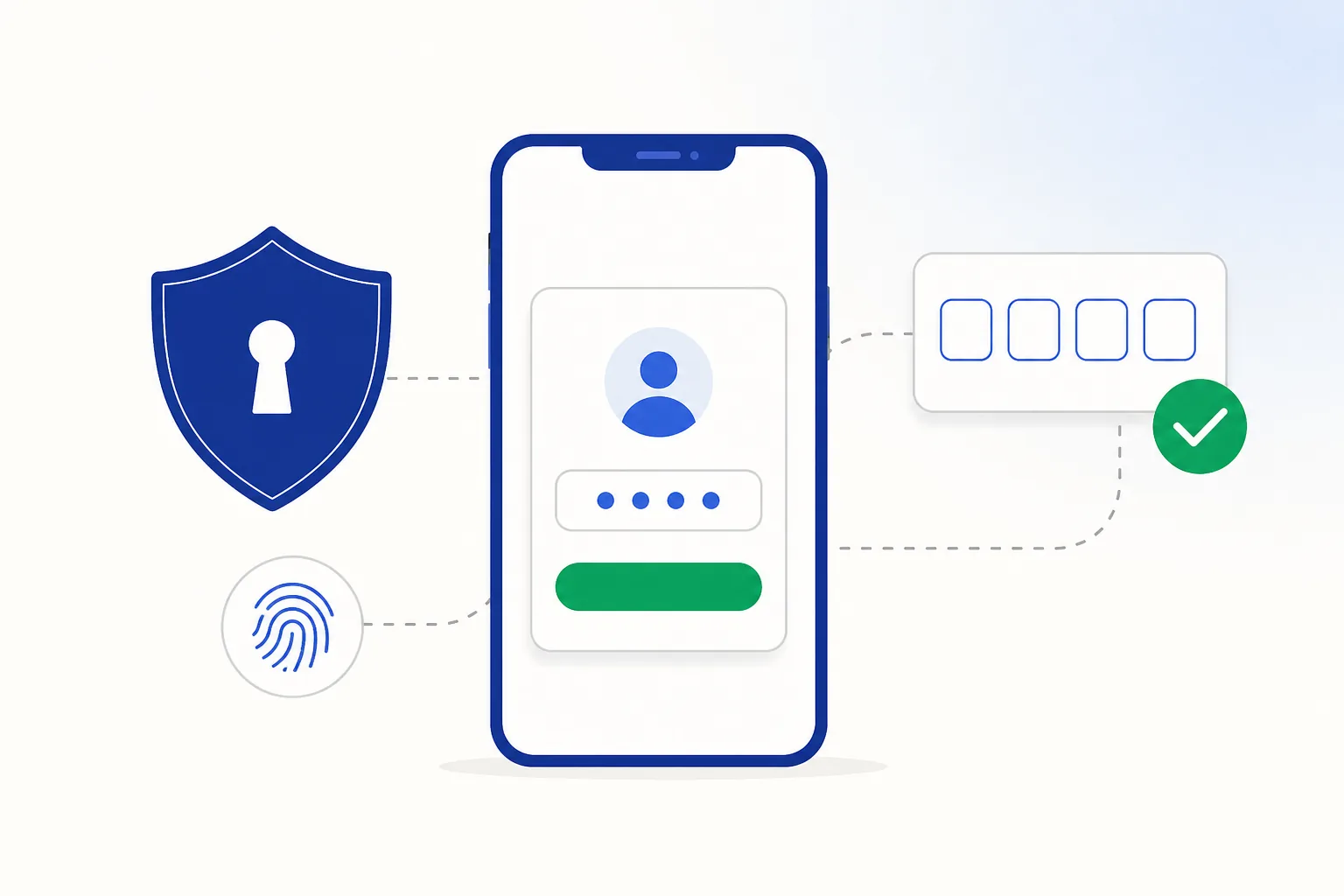
Where the risk actually sits
| Route | How it works | What stops it |
|---|---|---|
| Reused passwords | A password leaked from an unrelated website is tried on your other accounts. | One password per account |
| Fake login pages | A convincing copy of a login screen collects what you type. | Reach the app from a link you trust; keep 2FA on as a backstop |
| Someone asking for your code | A caller claiming to be support asks you to read out the code you just received. | Never share a one-time code — nobody legitimate asks |
| A copied app | A repackaged version of an app collects what you type into it. | Install from the official mobile page, and use the quick file checks if you ever get a package elsewhere |
| Sessions left open | A phone that is shared, sold or borrowed still has you signed in. | Screen lock plus signing out on other people's devices |
Passwords that hold up
- Uniqueness beats complexity. A moderately strong password used nowhere else defeats the most common attack outright; the strongest password in the world, reused, does not.
- Use a password manager. The one built into Chrome, Android or iOS is free, fills forms for you, and warns you when a saved password turns up in a known leak.
- Length over cleverness. A four-word phrase is easier to remember and harder to crack than P@ssw0rd-style substitutions, which cracking tools try first.
- Type it into the real app. Install from the official mobile page, or sign in through the site as described in app versus browser access — either way you are typing into the operator’s own front door.
Two-factor authentication
Second factors are not all equal. Strongest first:
- Passkeys and hardware keys — nothing to phish, and passkey support is spreading fast across major services.
- Authenticator apps — codes generated on your device, so they never travel over the network.
- SMS codes — the most common option in India and a genuine improvement over a password alone.
Turn on the strongest option each account offers. Many Casino-style services use SMS codes, which is fine: the habits in the next section cover the gaps, and account-level detail for this service is in the Crorebet app guide.
One-time codes in India
Almost everything here runs on one-time codes — banking, UPI, sign-ups — so a few habits are worth making automatic:
- Keep codes to yourself. Banks, operators and real support teams never need one, so there is no situation where reading a code out loud is the right move.
- You do not need to grant SMS access. Android fills codes in for you without it, so an app asking for full SMS access is asking for more than it needs — permissions explained lists what fits which app.
- Set a SIM PIN. Two minutes in your phone settings, and it keeps your number tied to your SIM.
- Read the message, not just the digits. The text says what the code authorises; if that does not match what you are doing, do not use it.
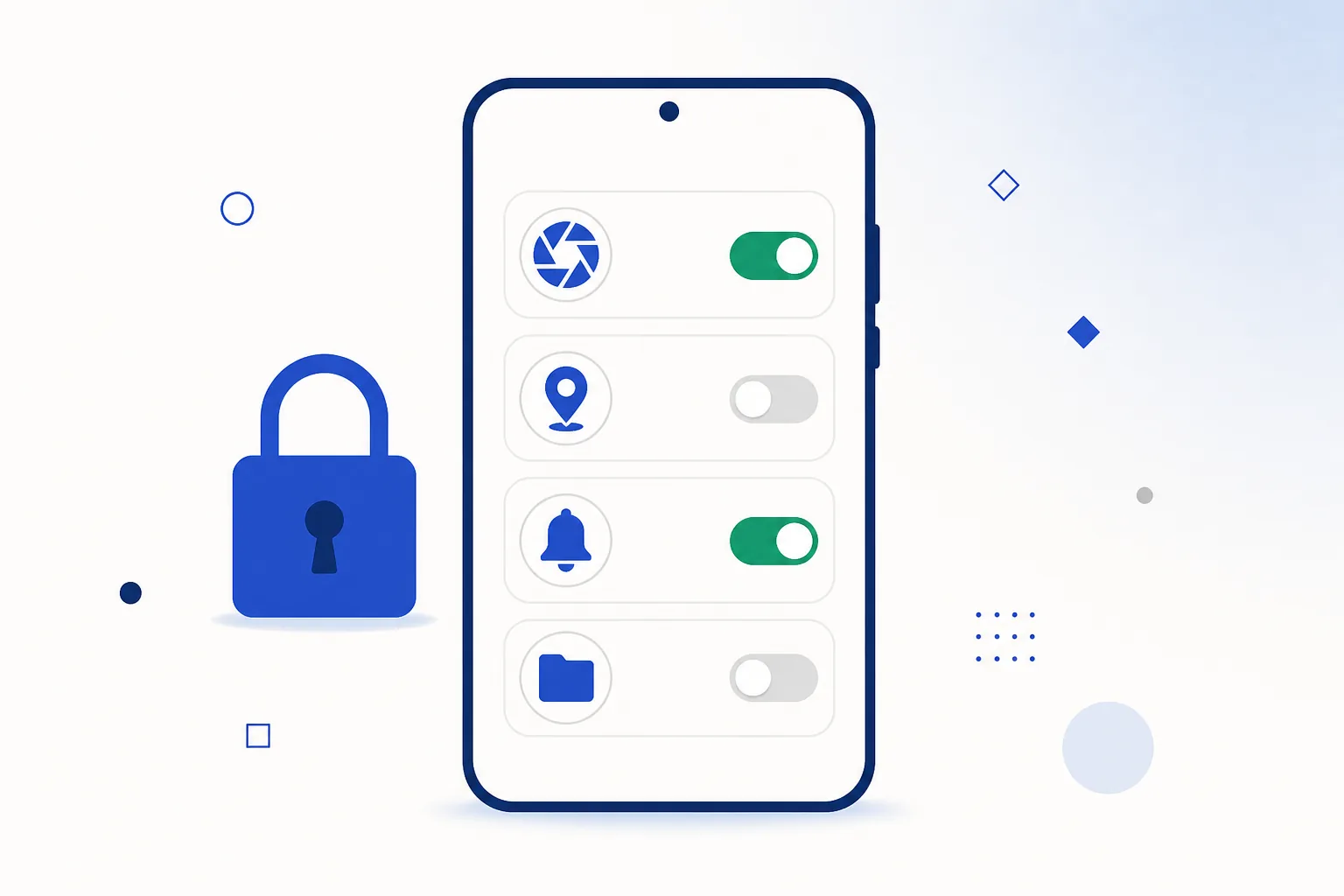
Session habits
- Apps keep you signed in for weeks, which is convenient on your own phone and worth undoing on someone else’s — sign out rather than just closing the app.
- If the service has an “active sessions” or “devices” screen, it is worth a look occasionally; you can sign other devices out from there.
- Before selling or handing on a phone: sign out of everything, remove your accounts, then factory reset — in that order.
- A screen lock is account security. An unlocked phone is every session on it.
Signing in for the first time? Start from the official page.Open the Crorebet mobile page
If something looks wrong
- Change the password
Do it from a device you are confident about — your laptop or a second phone — and pick something you have not used anywhere else. This alone closes most doors.
- Sign other devices out and check 2FA
Use the account’s sessions screen to log everything else out, then confirm the recovery email and phone number are still yours and the code step is still switched on.
- Reinstall the app from the official page
If you are unsure where the copy on your phone came from, remove it with the removal steps and install it again from the official mobile page, so you know exactly what you have.
- Review recent account activity
Check the account’s own history for anything you do not recognise, and contact the service’s support from inside the app if something does not add up. India also has a general cybercrime reporting portal and the 1930 helpline listed below, if you ever need them.
Password sorted, codes on — time to open the app.Open Crorebet App
Frequently asked questions
Is fingerprint login enough on its own?
A fingerprint protects the door on this device. The account still has a password behind it, used when you sign in on the web or a new phone, so the combination you want is biometric convenience plus one strong unique password.
A service only offers SMS codes. Worth switching on?
Yes, clearly. SMS codes stop password-only attacks, which are the overwhelming majority. The SIM PIN and permission habits above cover the rest.
Should I use a separate email for casino accounts?
It is a neat bit of housekeeping: a dedicated address keeps the mail in one place and makes it obvious when something claiming to be from the service arrives at the wrong address. Useful, but the password and code steps matter more.
Related guides
Sources & references
- National Cyber Crime Reporting Portal (Government of India) — accessed August 2026
- Google Safety Centre — account security & 2-step verification — accessed August 2026
- RBI — public awareness on digital payment frauds — accessed August 2026